Your AI Can't Actually Read Your PDFs. This Free Tool Fixes It.
7 June 2026
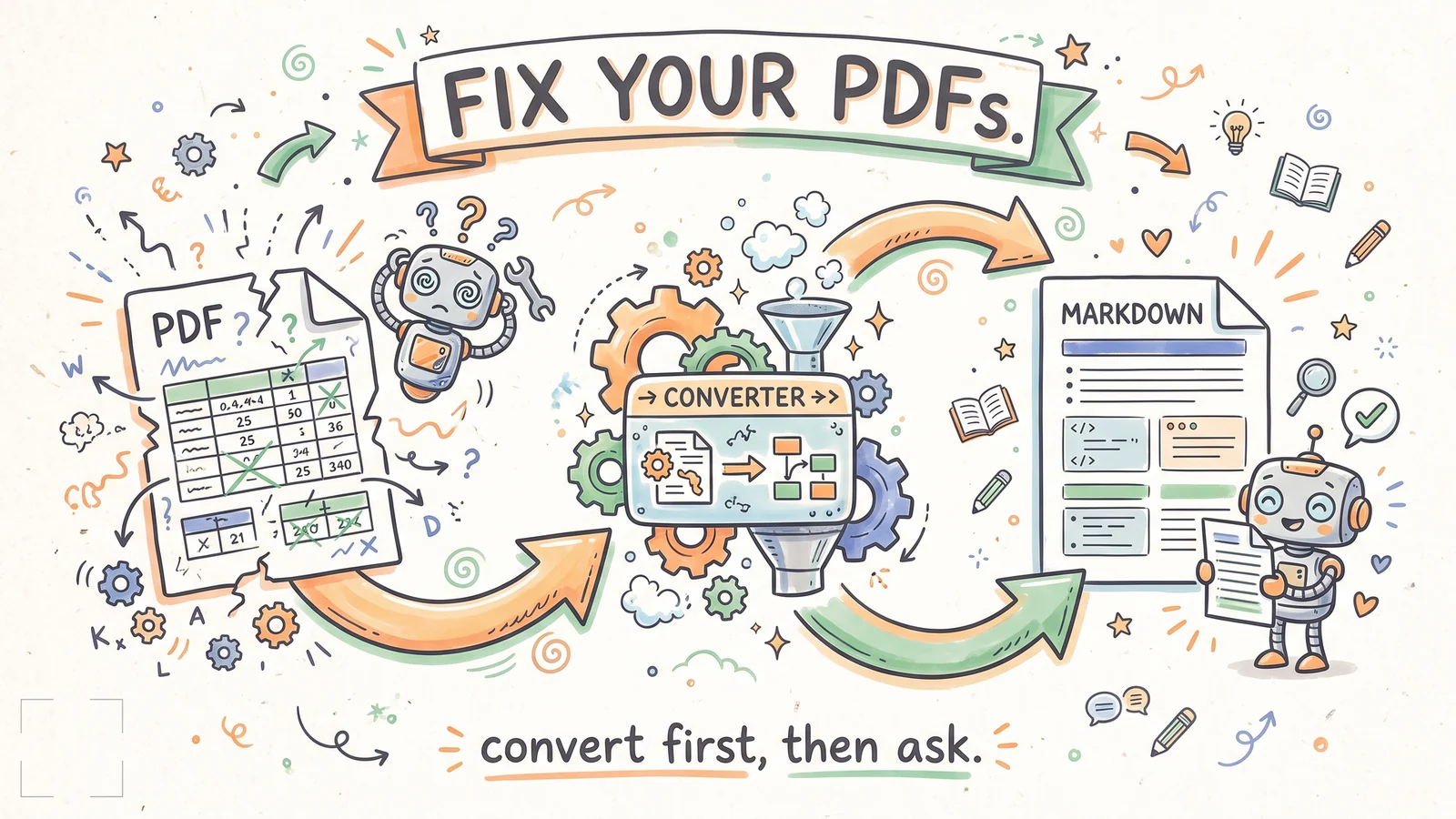
You've got years of useful knowledge sitting in PDFs, and your AI can't read a word of it properly.
You drag a report in, ask a simple question, and get back something vaguely right and mostly useless. Especially anything with a table in it.
The reason is the format. A PDF is built to look right on a printed page. Underneath, the text is a jumble of positioned fragments with no real order. When your AI opens it, it has to guess how the pieces fit back together, and it guesses wrong. Picture asking Mr. Bean to restore the Mona Lisa. The raw material is all there, but what comes back is a mess.
The fix is to stop feeding it the raw file. Convert the PDF to Markdown first. Markdown is plain text that keeps the structure intact, including the tables and the reading order. It's the format every AI tool reads cleanly. Once your documents are Markdown, the AI stops guessing and starts answering.
The tool I use for this is called OpenDataLoader. It's free and open source, and it runs entirely on your own machine. No cloud and no API key, so nothing leaves your laptop. It chews through over a hundred pages a second, and it handles the messy stuff: tables, multi-column layouts, even scanned documents through OCR in over eighty languages.
I pointed it at a folder of client PDFs I'd been meaning to load into my knowledge base for months. Old reports and a stack of half-read guides. A few minutes later they were clean Markdown files, tables intact, ready for my AI to actually use.
If you've got a folder like that gathering dust, this is the step you keep skipping. Install it with pip install opendataloader-pdf, point it at the folder, and let it run.