Three Claude setup steps most people skip
19 July 2026
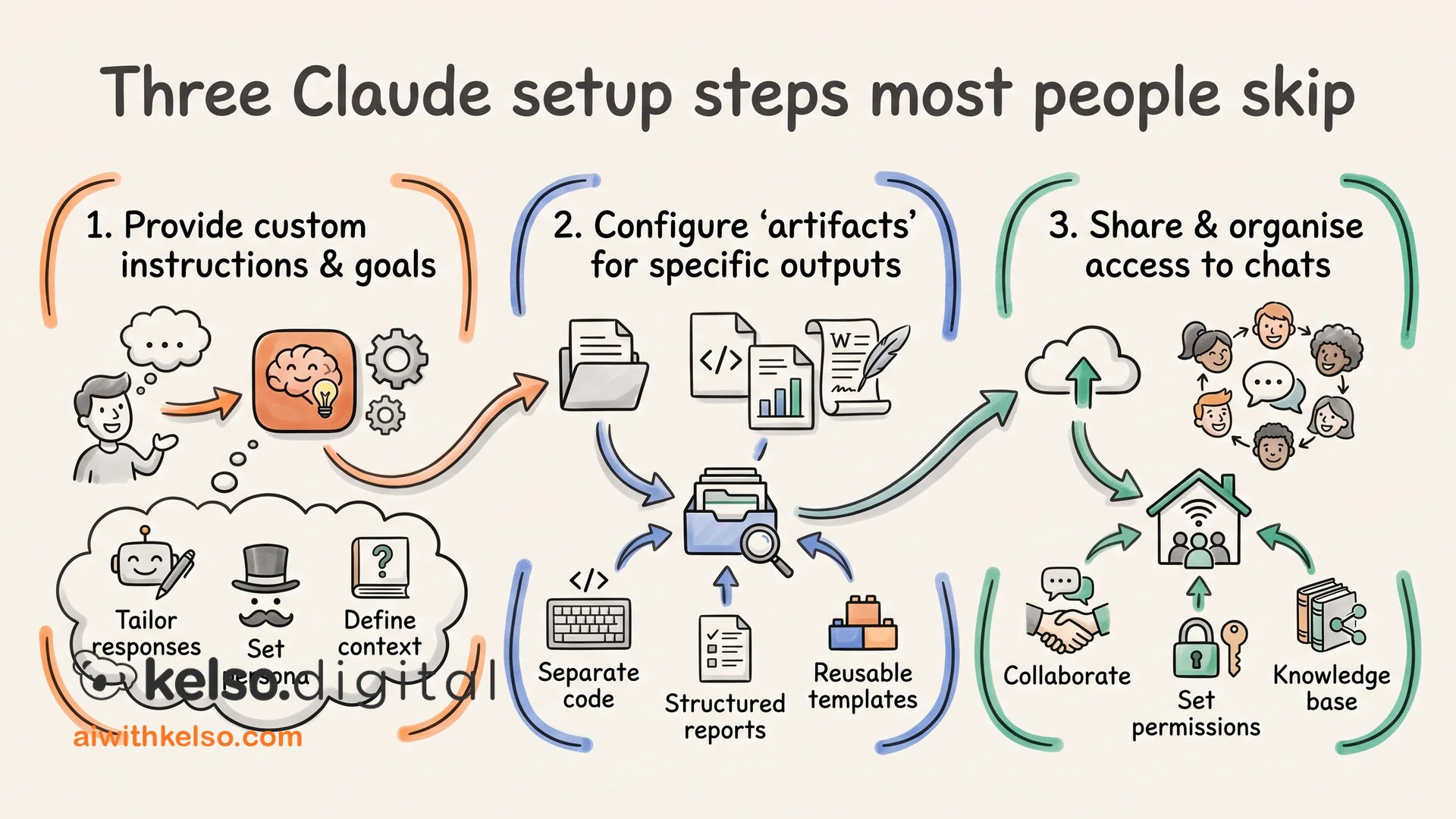
Most people open Claude, type a question, and wonder why the answer feels like it was written for someone else.
Claude knows nothing about you. The answers it gives could have been written for anyone.
Three setup steps fix that. They take about ten minutes in total, and most people skip all of them.
Step one: import your context.
There is a prompt built into Claude's Settings. Paste it into whatever AI you used before, and that AI generates a summary of who you are, how you work, and what matters to you. Bring that back into Claude. You go from a blank slate to a standing start, before you have asked anything.
Step two: give Claude a brief about your business.
Create a folder on your desktop and point Claude Cowork at it. Ask Claude to interview you about your business: your clients, your tone, the tools you use. It turns that conversation into plain text files it reads at the start of every session. Claude stops guessing every time you open it.
Step three: connect your tools.
Open Cowork, tap Connectors, and link Gmail, your calendar, and whatever else your business runs on. Claude can now act directly inside those tools and reach into your actual work.
Do all three once, and Claude stops feeling like it was built for someone else.