Don't open Cowork before this
13 July 2026
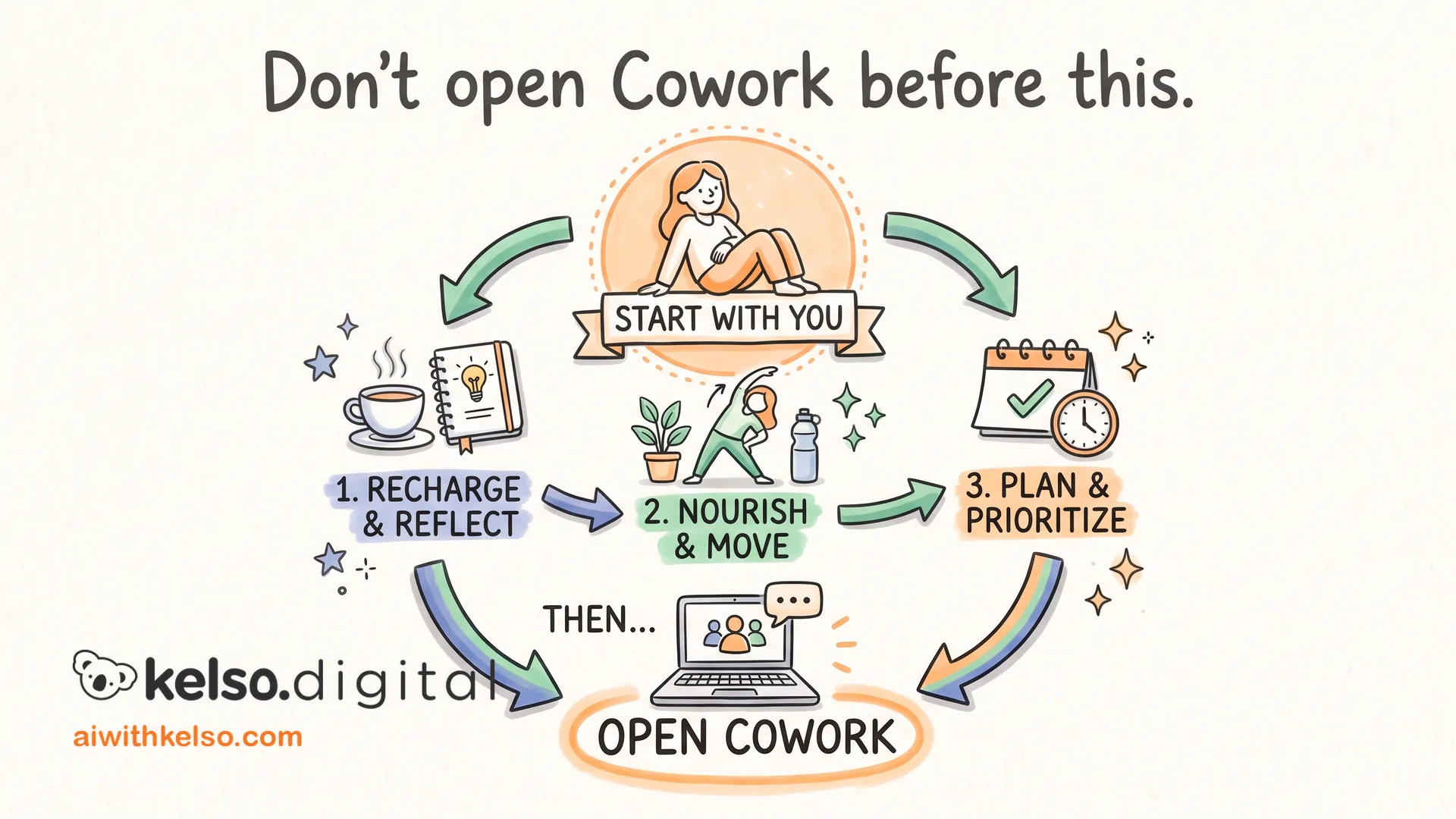
Most people install Claude Cowork and start typing. That's backwards.
There are three things to set up first. Once they're in place, Cowork works differently. Without them, you're just opening a more expensive chat window.
Step one: install a skill. Open Cowork, hit the plus icon, and browse the pre-built skills Anthropic has packaged. If you produce content, add the content creation skill. It gives you a slash command that writes in your brand voice every session. If you deal with clients, the client communication skill is worth looking at first.
Step two: connect the tools you already use. Go to settings, then connectors. Cowork can connect to Gmail, Canva, Notion, and others. The connectors are what turn Claude from something you open in a tab to something that works inside the systems you already run your business on.
Step three: set a scheduled task. On the left sidebar, click Schedule. Give Cowork a recurring job: a weekly summary, a monthly report, a Friday inbox triage. It runs while you're not there.
Once these three are in place, Cowork runs without you in the loop for the basics. The sessions you do sit down for are for the work that needs you.
Start with the skill that fits your work. That's the one that makes every session feel different from day one.