Claude turns your last 24 hours into a morning newspaper
11 July 2026
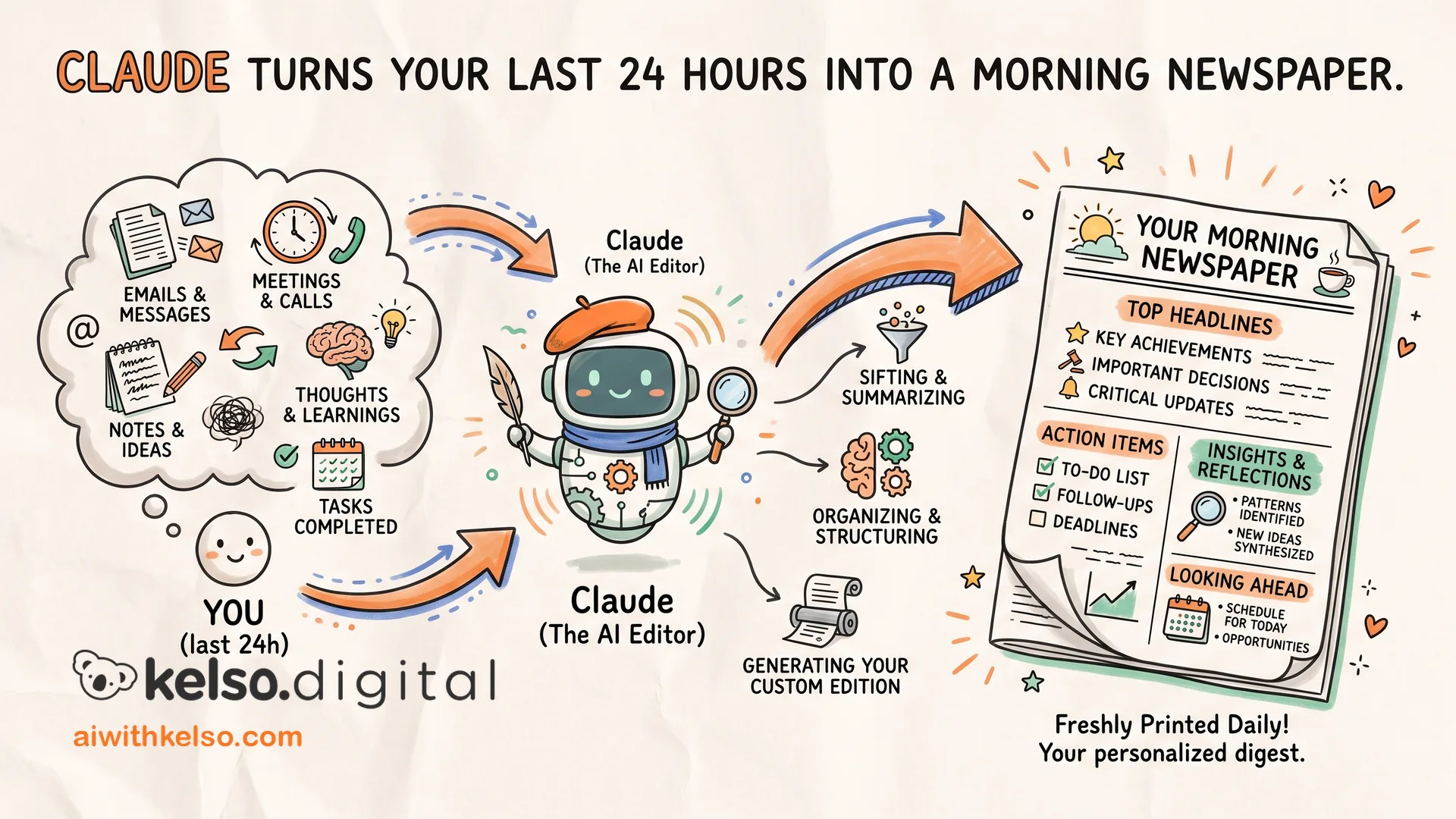
The first thing I do every morning is read the front page of my own business.
I set it up three months ago. Takes 20 minutes to configure. Now it runs on its own before I sit down.
Claude connects to your email, calendar, Slack, and meeting notes through its connectors. Once connected, you write one prompt: pull everything from the last 24 hours and lay it out like a newspaper. Top stories first. Action items. Today's schedule at a glance.
Because Claude pulls from your actual tools, the brief is accurate. It's not something you typed in. It's what actually happened in your business yesterday.
I set mine as a scheduled task in Cowork. Every morning at 7 it runs automatically. By the time I sit down, the brief is already there.
Here's how to set it up.
Open Claude and go to settings, then connectors. Connect your email, your calendar, and whatever your team uses to communicate.
Then open Cowork and write one prompt: pull everything from the last 24 hours, flag anything that needs a decision, format it like a front page. Most important items first.
Save it as a scheduled task. Set the time. Leave it.
You stop opening your laptop to a blank screen and a morning scramble. You open it to a clear picture of what needs your attention today.