Claude Code File Structure: Set This Up Before You Build Anything
8 July 2026
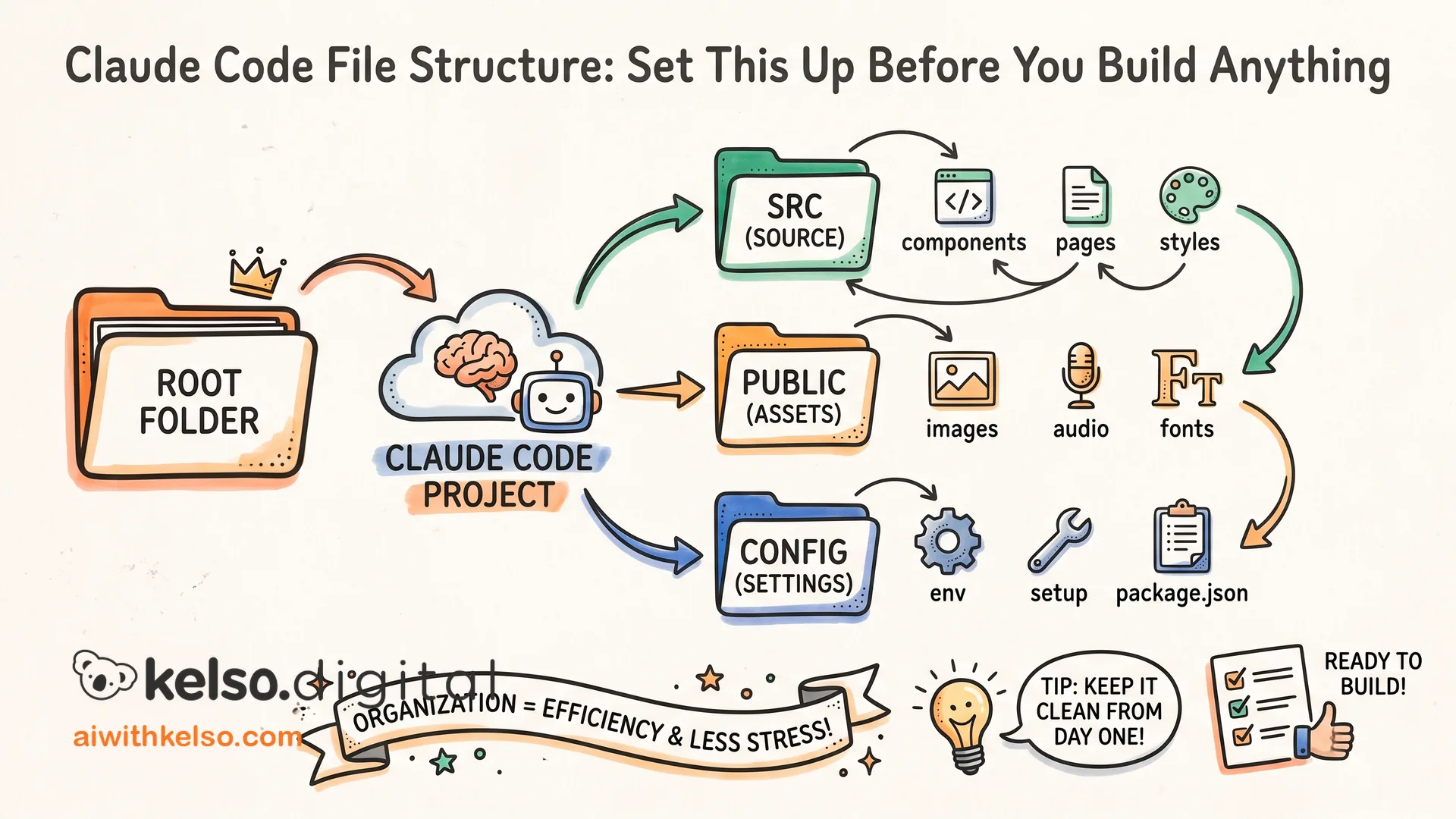
Claude Code uses one main folder. What goes inside it — and how it's organised — makes the difference between a project that runs cleanly and one that burns through tokens and produces nothing useful.
On your machine there's a global Claude folder. Everything Claude Code knows about how you want it to work lives here. A single file called CLAUDE.md sets the global baseline. It tells Claude who you are, how you work, what context to carry across every session, and what to follow by default. That file runs before anything else, on every project.
Inside that folder you create one subfolder per business or project. Inside each one: commands for repeatable tasks, rules for how Claude should behave on that work, agents for delegating specific jobs, skills for specialist capabilities. Everything that relates to that project sits together in one place.
The common mistake is giving each element its own top-level folder. A commands folder at the root. A rules folder at the root. A skills folder at the root. Claude Code doesn't navigate well across that split. When the structure is scattered, Claude loses context, tasks bleed into each other, and the output gets inconsistent in ways that are hard to diagnose.
You need one folder per client or project, with everything inside it. That's the structure Claude Code is built around, and the sessions that go wrong earliest almost always have this wrong.
Fix the structure before you build anything else. Everything that follows — the agents, the commands, the rules — works better when the foundation is right.