Screenshot it, don't type it
15 August 2026
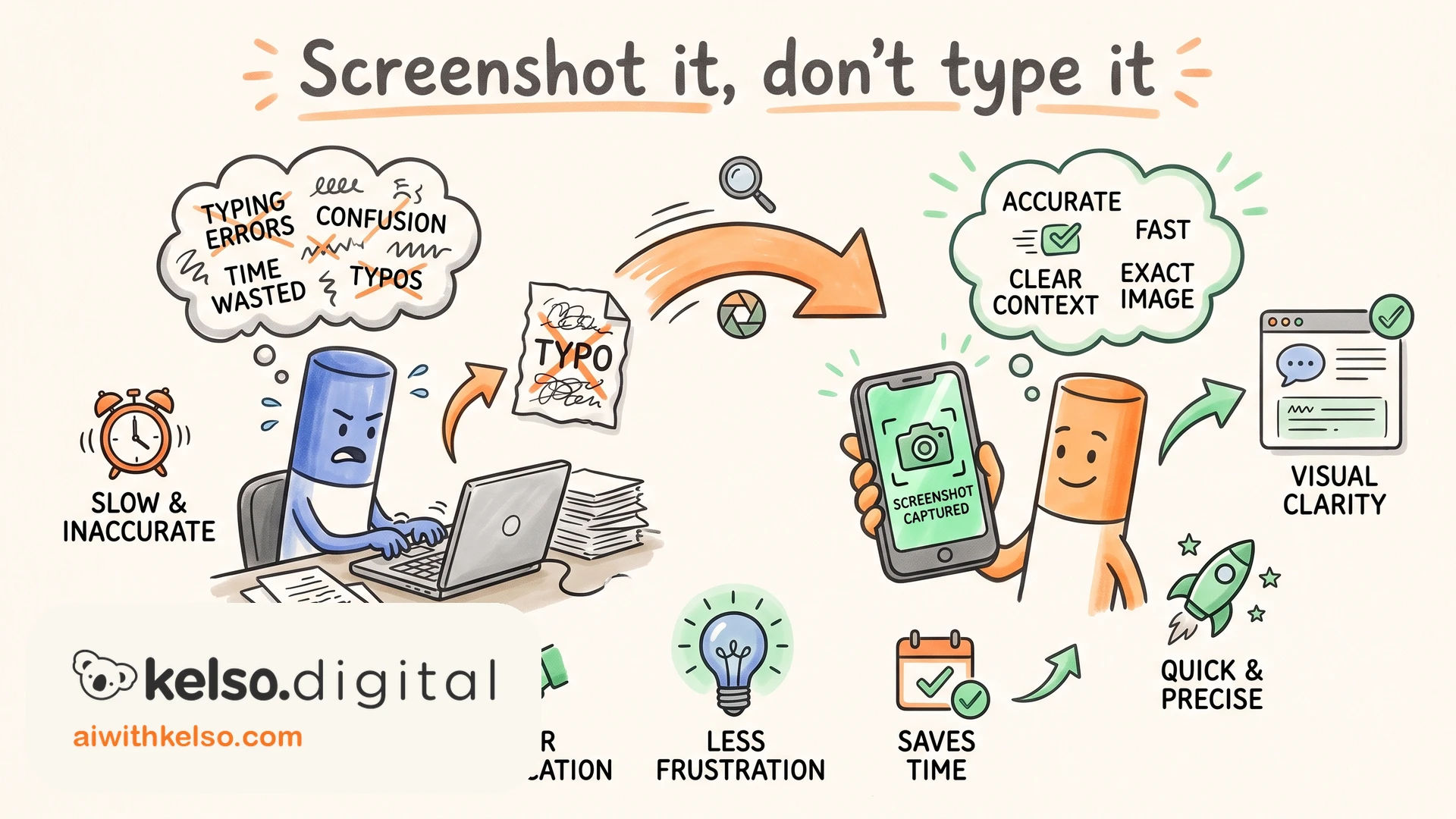
Stop typing out error messages for AI. There's a faster way to explain the problem, and it gets you a better fix.
The old way: something breaks in your software or an automation, and you describe it. You copy the error text, list the settings, explain what you clicked before it went wrong. Five minutes of typing, and you still leave out half the picture, because you only describe what you already think matters.
Take a screenshot instead and drop it straight into Claude.
It reads the whole screen in one go, including the detail you didn't know was relevant. That last part matters most. The clue to a problem is often sitting in a corner of the screen you would never have thought to mention. You're handing over evidence instead of a summary.
And this covers far more than broken software. A page that looks wrong on your phone. An app that crashes before you can read why. A settings screen you don't understand. A design whose feel you want to borrow for your own work. If you can see it, Claude can read it.
I use Shottr on my Mac to grab mine. Two seconds, straight into the chat. The built-in screenshot shortcut does the job too. The habit matters more than the tool.
Next time something breaks on your screen, grab the screenshot before you type a word.