Why Claude Code Keeps Needing Corrections and How to Fix It
30 June 2026
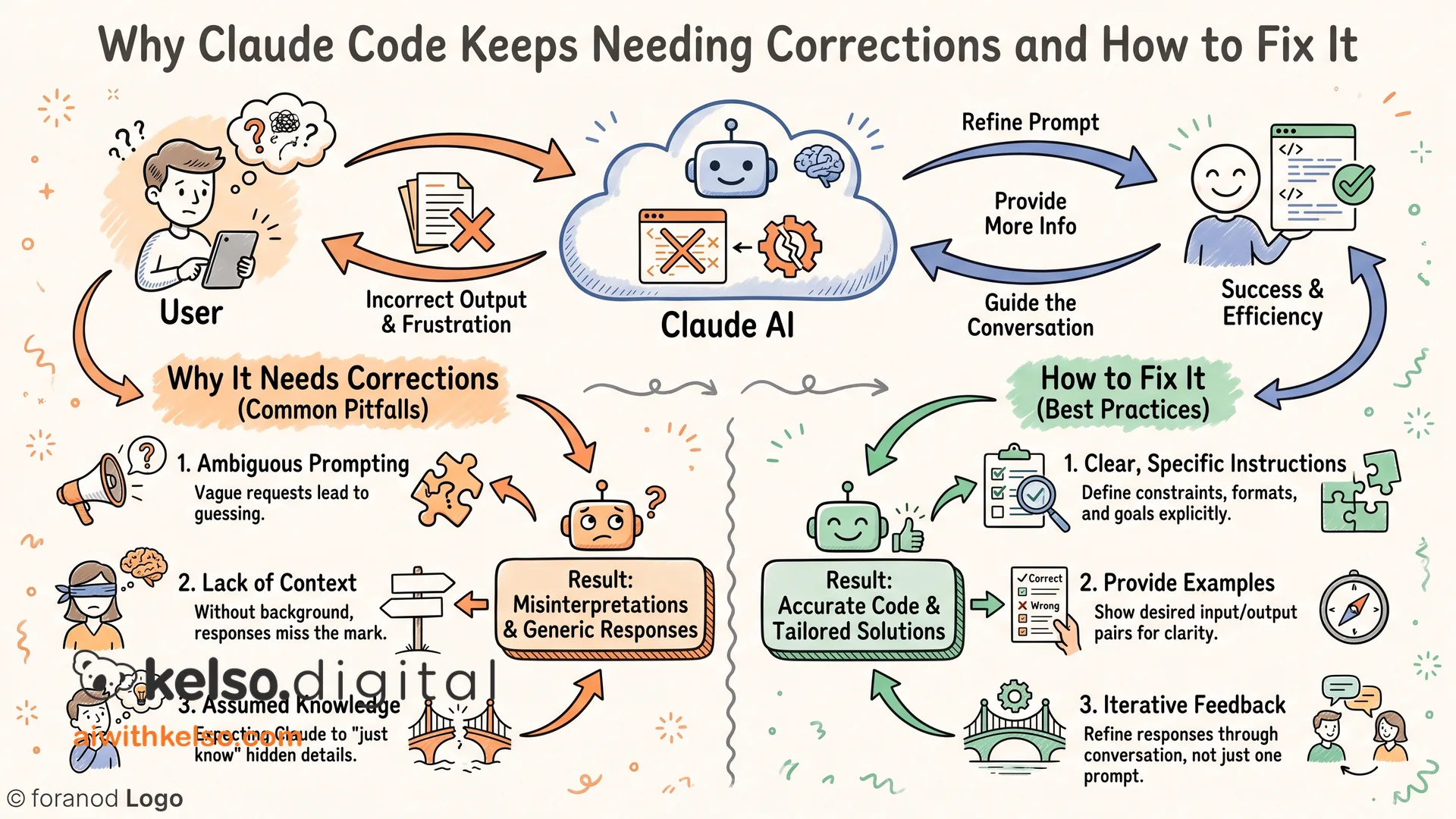
If every Claude Code session starts well and ends in corrections, the sessions aren't the problem. The setup is.
Most people jump straight to building. They describe what they want, Claude starts generating, and somewhere around the third or fourth round of changes they realise the original brief was missing half the relevant detail. The rework isn't a Claude problem. It's a sequencing problem.
The one step that cuts revision rounds in half is plan mode. Plan mode means Claude maps the full approach before it touches anything. It catches the gaps, asks the questions that matter, and surfaces the assumptions before they become mistakes. Getting the plan right before writing a single line saves hours of back and forth later.
While you're in plan mode, add one line to every session: ask me questions until you're ninety-five percent sure you know what I need, make zero assumptions. That single instruction changes how the whole session runs. Claude stops filling in gaps with guesses and starts filling them in with answers you've actually given.
Once you're aligned, turn on auto-accept. Claude works through the full task without stopping at every step to ask permission. It only runs cleanly because you planned first. Skip the planning and auto-accept becomes chaos.
The last piece is your CLAUDE.md file. Claude reads it at the start of every session. Whenever you find a preference, a workflow rule, or something Claude keeps getting wrong, update the file. Keep it under two hundred lines or it starts eating into your working context. Every update makes the next session start from a better baseline.
That's the difference between a tool you keep correcting and one that keeps improving.