The Claude Setting That Makes Every Output Sound Like You
5 July 2026
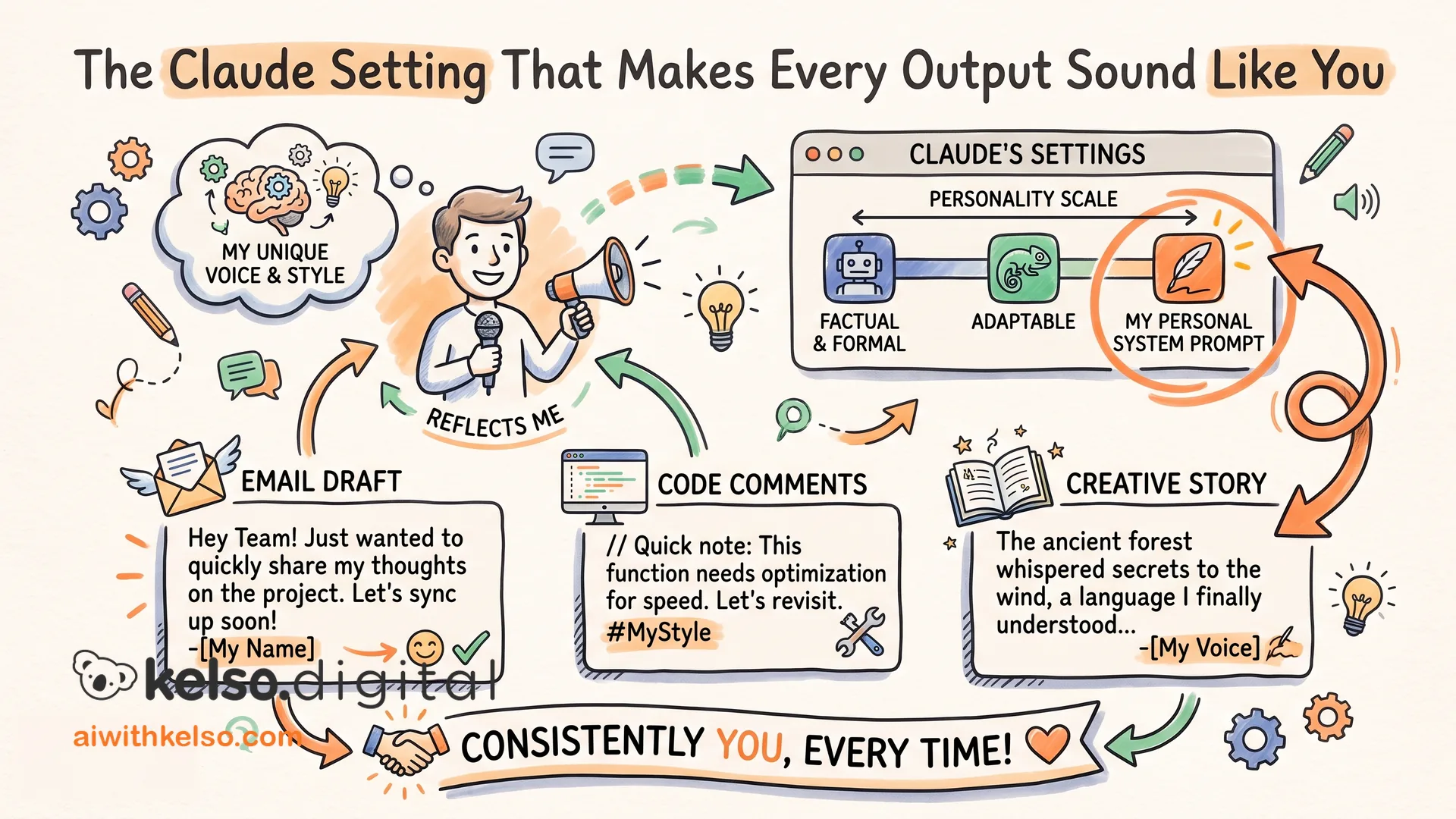
Every time you start a new Claude conversation, you are starting from zero.
You explain your tone. You explain what you do not want. You ask for British spelling, short responses, no bullet points. Claude obliges. Next session, you do it again. And the one after that. Over a month, you spend more time briefing Claude than you do getting value from it.
There is a setting that ends this completely, and most people have never opened it.
In Claude, go to Settings, then General, then Personal Preferences. This is where you tell Claude exactly how you write: your tone, the words you never use, your preferred response length, your formatting rules. Write it once. Claude reads it at the start of every conversation, before you type anything. It does not wait to be reminded. It already knows.
I filled mine in about six months ago. I listed my tone, noted that I write for an Irish and UK audience and want British spelling throughout, specified that I want responses kept short and direct, and added a short list of words I never use. Every output since then has started from that baseline. I do not re-explain. I do not correct the same things repeatedly. The first draft is already closer to the final one.
The people who find Claude unreliable, inconsistent, or hard to control are almost always the ones who have never touched this setting. It is not that Claude cannot match your voice. It is that you have not told it what your voice is.
Open your Claude settings right now. Fill in your personal preferences before your next session.