Stop Using Claude in a Browser Tab
1 July 2026
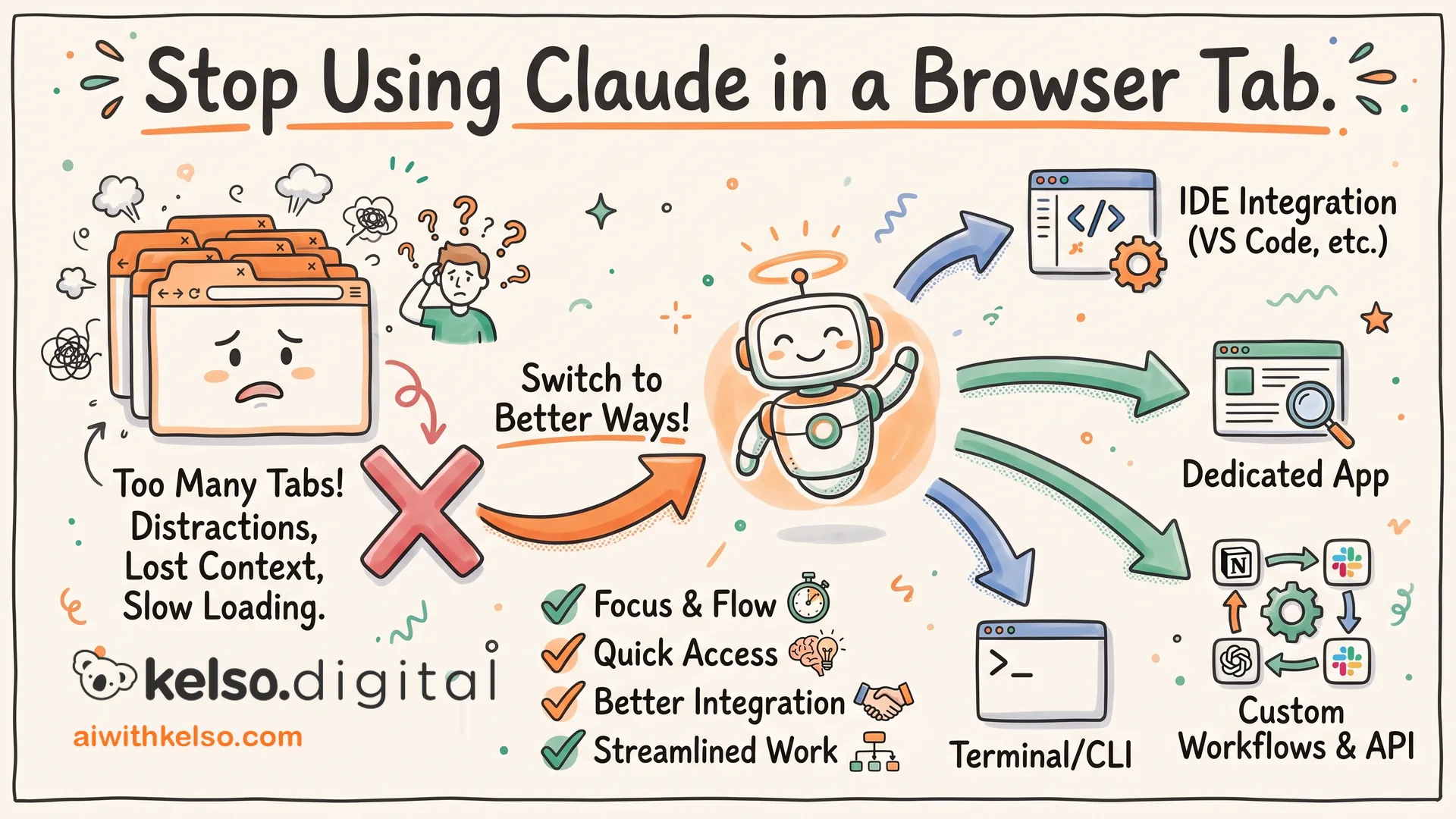
I moved all my Claude work out of the browser and into the desktop app. It wasn't a minor upgrade. It changed what Claude could actually do for my business.
In a browser, Claude is reactive. It works with whatever you paste in. It answers when you ask. The conversation ends, and that's the end of it. That's fine for a quick question. It's not enough if you want AI to take work off your plate rather than help you do work you're already doing.
The desktop app has two features that change this. The first is Cowork: you point Claude at a folder on your computer, give it a task, and it works through it in the background while you get on with something else. It's not you driving the conversation. Claude is working through files while you're with clients. The second is Scheduled Tasks: jobs you set to run on a timer, whether you're at your desk or not. Weekly client reports, inbox triage, monthly cashflow summaries from Xero, all running on a schedule you set once.
When I downloaded the app, three things were worth doing straight away. I went into settings and wired up skills and connectors so Claude could see the tools I was already using. I opened Cowork, pointed it at the folder I work from most, and gave it one task that day. Then I picked one recurring job I was doing myself every week and let Claude run it instead.
That third step is the one that changes how you think about it. The browser is the right tool for a quick question. The desktop app is the right tool if you want Claude to work for your business, not just answer it.
Download the app and set one recurring task running today.