Make images in Claude for free
23 October 2026
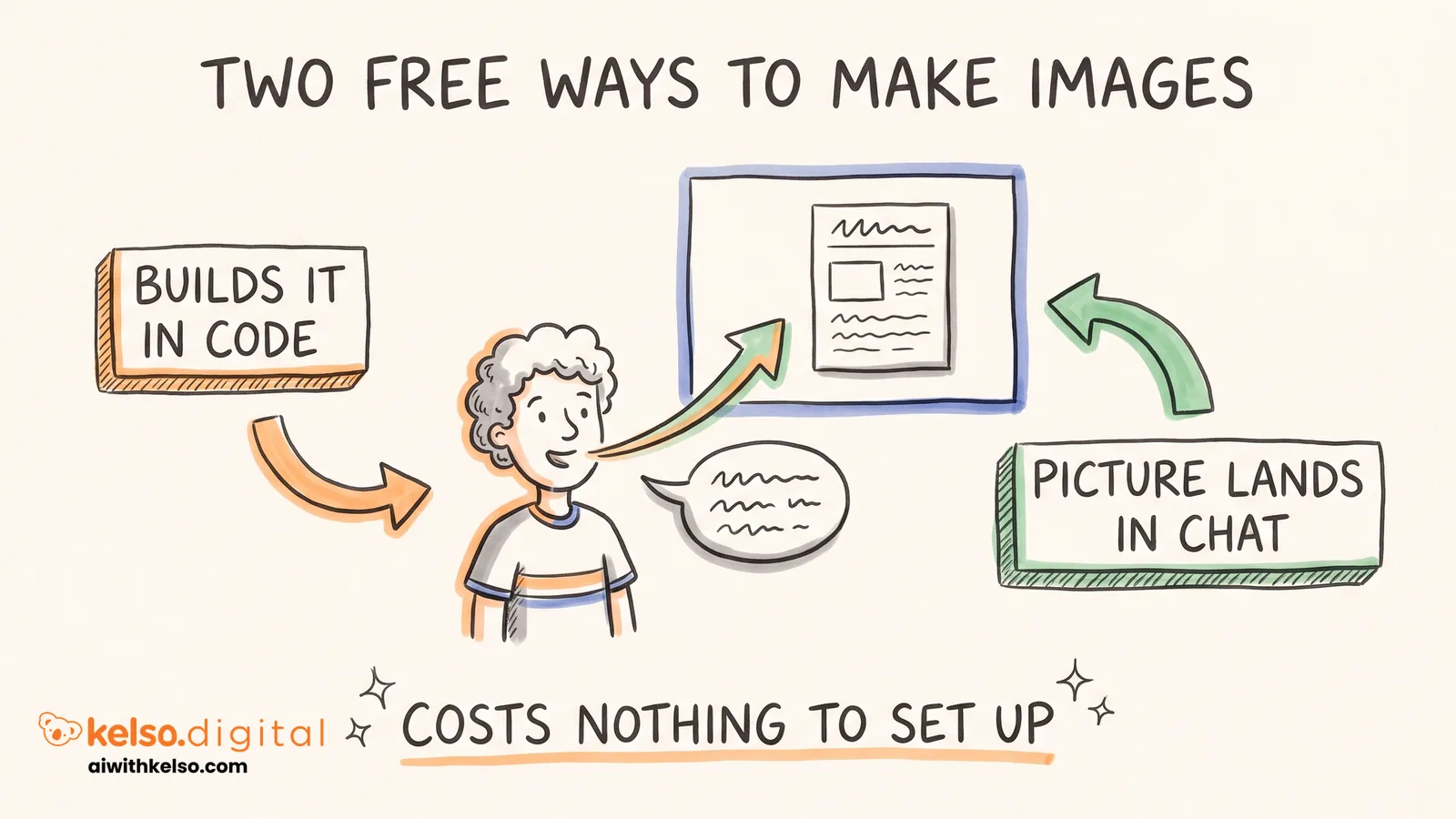
Claude has no image generator like ChatGPT, but there are two free fixes, and the first one is already inside Claude.
Most of what a business needs is design work: posters, slide decks, social graphics and one-page infographics. Claude builds those in code, laying out the page the way a designer would. The words come out sharp and spelt right, and you can change one detail without the rest of the design falling apart.
The second fix is for real pictures. It uses Hugging Face, a website that hosts over a million AI models, image generators included. You connect it to Claude once, then ask for images in plain English.
Make a free account on huggingface.co.
In Claude, go to Customize, then Connectors, and click Add custom connector. Call it Hugging Face, paste in https://huggingface.co/mcp?login and sign in when it asks.
Open your Hugging Face MCP settings at https://huggingface.co/settings/mcp and add the image generator FLUX.1-Krea-dev to your Spaces Tools.
Start a chat, turn on Hugging Face under the plus button, and type "use Krea to make an image of" whatever you need.
Claude sends the request to FLUX Krea, and the picture lands back in the chat.
Even the free Claude plan lets you add one custom connector, so this costs nothing to set up. The free Hugging Face credits run out if you use it heavily, but you'll know quickly whether it's good enough for your social posts.
Set it up today and make the image for your next post with it.