Learn these 3 Claude Code basics
25 July 2026
You open Claude Code for the first time, fire in a request, and the result is average at best.
So you decide it's overhyped and go back to doing everything by hand.
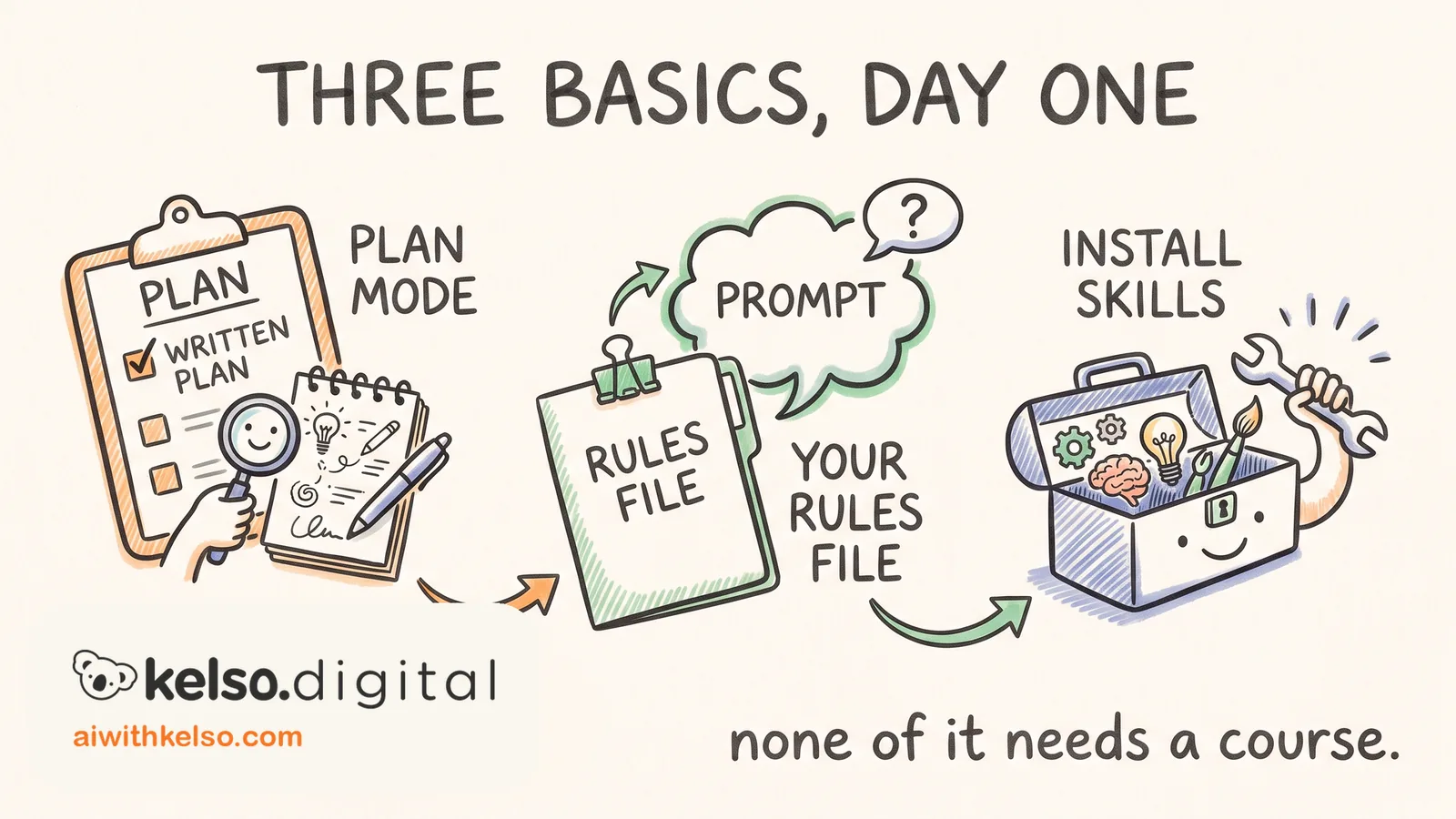
I watch business owners do this every week. The ones who stick with it learned three basics in their first day, and none of the three takes more than a few minutes to pick up.
The first is plan mode. Hit Shift+Tab twice before a complicated task and Claude Code researches the job and asks what it needs to know. Then it shows you a plan before touching anything. I switch it on for anything beyond a quick fix, and the jump in quality is obvious from the first run.
The second is the CLAUDE.md file. It lives in every project. It's a plain text file where you write the rules you want followed, and it gets added to every prompt you send. Anything that matters on every task belongs in there. If that feels confusing, ask Claude Code itself to help you set it up.
The third is skills. A skill teaches Claude Code to do a specific job your way. Type /plugin and install what you need from the built-in library. Frontend-design is a good first one. Ask for a webpage with it installed and compare it to what you got without it.
That's the whole first day, and none of it needs a course.
Pick one real task this week, switch plan mode on, and run it. You'll see the difference before the plan is even finished.